Welcome to the second part of enhancing our smart home with 433 MHz devices. We’ll delve into adding and tracking the state of these devices via your Sonoff RF BridgeR2, which you’ve already successfully integrated into Home Assistant, as discussed in our previous article. With the bridge in place, we’re poised to explore the next level of control and monitoring for your home automation setup. Integrating the RF device into Home Assistant. # Capturing the RF commands # We need the device we want to add to home assistant. The main purpose why I started this whole project was to add my ceiling fan, which is one of the more complex things you can add via an RF bridge, as many states can depend on each other. First you need to get the RF source, in this case the remote:
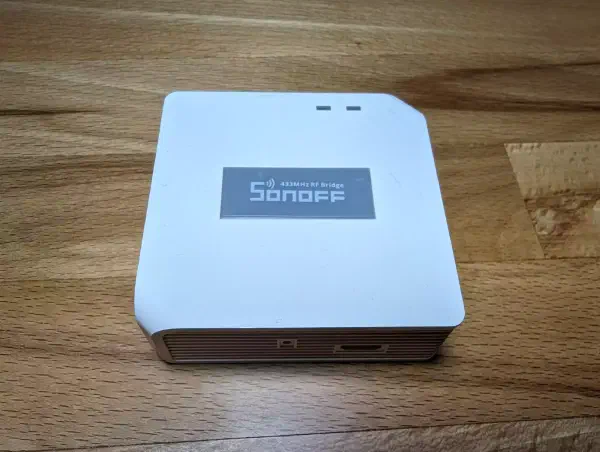
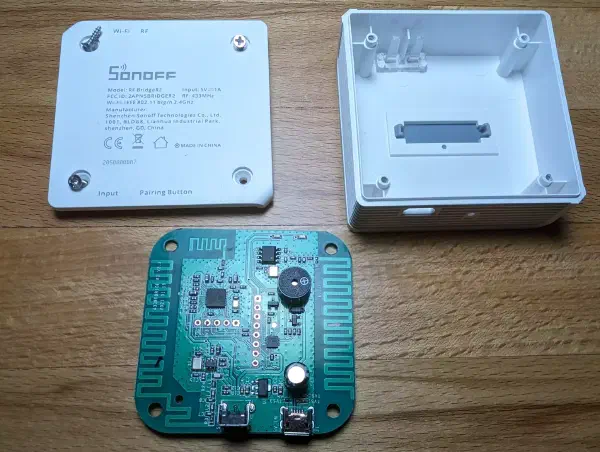
Introduction # Bridging the gap between legacy devices and cutting-edge technology is a fascinating endeavour. If you’ve ever wanted to integrate your 433 MHz remote-controlled devices into your smart home ecosystem using the Sonoff RF BridgeR2, you’re in the right place. In this article, I’ll guide you through the process of flashing the Sonoff RF BridgeR2 with ESPhome, to make it vendor-independent and easily integrable into Home Assistant. Warning A Caution Against Cheap 433 MHz Modules
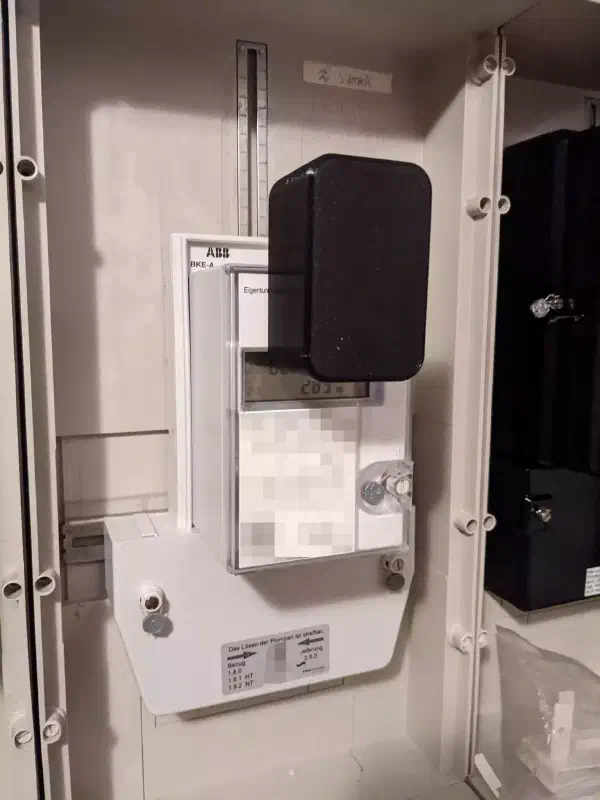
You can integrate your electricity meter into home assistant easily and cheaply using ESPhome and some cheap sensors. Here is how I added my parent’s solar panel electricity meter to home assistant. My parents installed solar panels onto their home nearly 15 years ago. Until very recently they had an old ferraris meter in their basement and apart from that, had no idea how their solar panels performed. They can technically be made smart too using a reed sensor – but that’s for another time. After a new smart meter had been installed – but without my parents getting any access to it directly – I figured it’s time to take things into my hands!